Break work into clear steps
Plan projects with tasks and subtasks. Review open work in list or Kanban view using owner, priority, project and date filters.

Connect projects, tasks, subtasks, work time, support requests, planning and appointments.
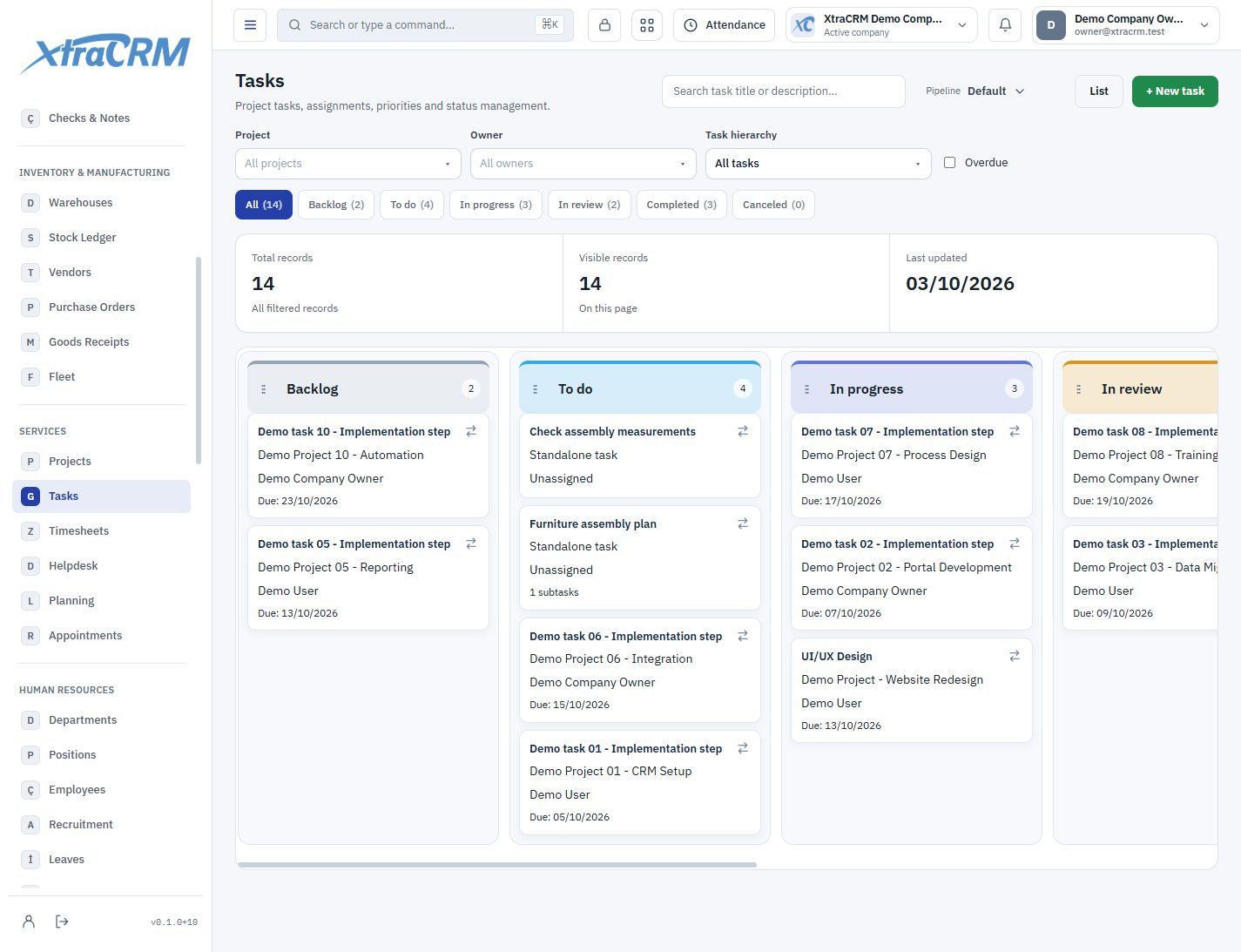
Turn a customer commitment into manageable work for your team. Follow projects, tasks, work time, support and appointments as connected parts of the same operation.
Plan projects with tasks and subtasks. Review open work in list or Kanban view using owner, priority, project and date filters.
Link time entries to their projects and tasks. Review working time through the approval process and explain completed work using its records.
Track support statuses and ownership. Use planning and appointment records to manage workloads alongside time reserved for customers.
See each section’s role before choosing your plan. The plan comparison shows what is included and what is not.
Track customers, tasks and milestones in one project.
Review project delivery targets and progress.
Manage tasks and subtasks with assignees and dates.
Track work minutes through approval and billing workflows.
Track tickets with queues, assignments and SLA targets.
Combine shifts and resource occupancy in a calendar.
Define employee and vehicle resource capacity.
Manage appointments with availability, approval and rescheduling.
Define appointment types with duration and availability rules.
You can create standalone tasks. When work belongs to a project, parent and subtask relationships stay within that project; subtasks can be added from their parent task.
Module coverage varies by plan. Compare the full module tree on the pricing page. Your company administrator also controls who can view, create, edit or delete records.