Organised audiences
Define customer groups through segments. Manage campaign and audience information centrally so teams share the same context.

Manage campaigns, surveys, events and marketing records alongside audiences and customer relationships.
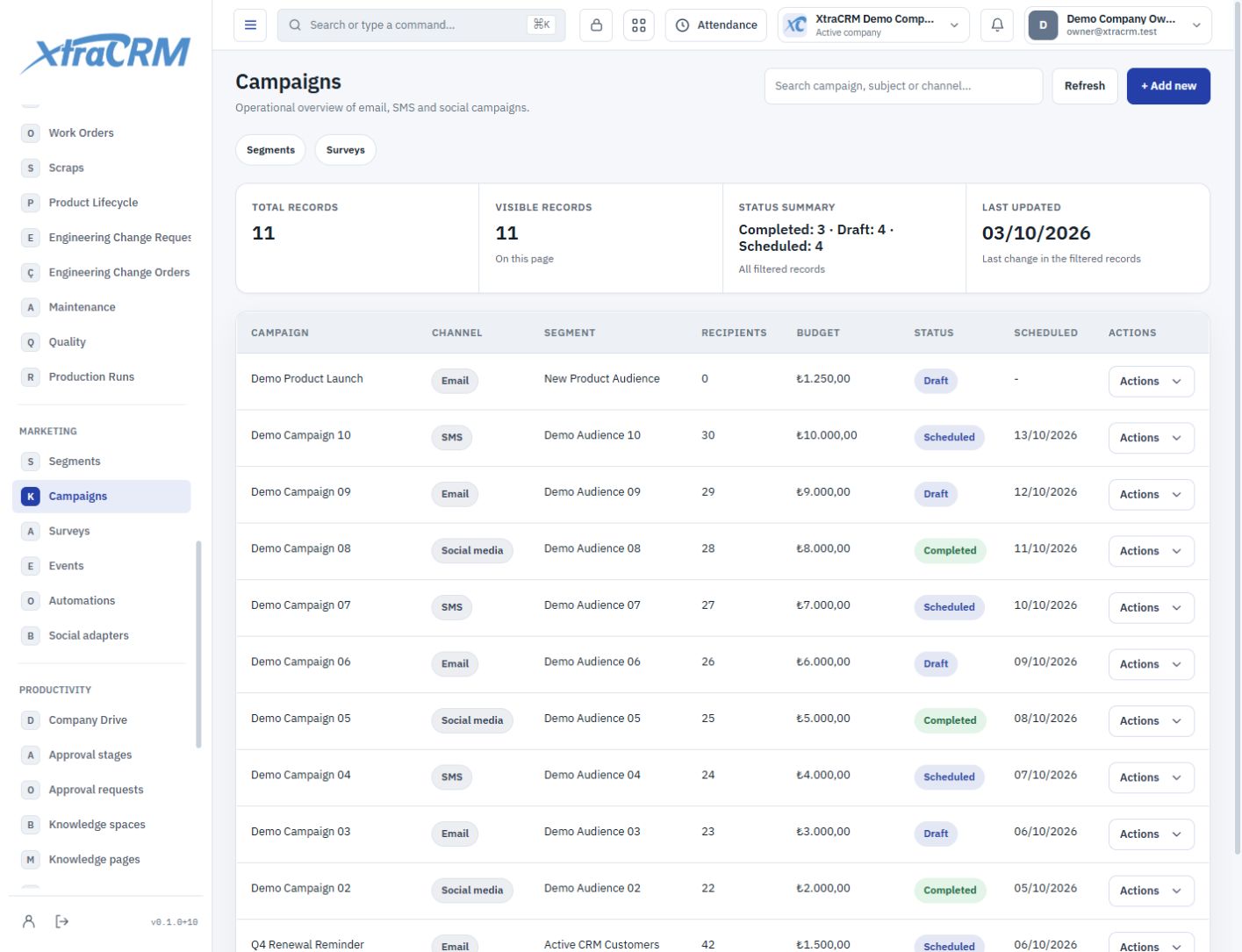
Treat marketing as more than a publication date. Organise campaigns with their audiences, events and the customer journey your sales team will follow.
Define customer groups through segments. Manage campaign and audience information centrally so teams share the same context.
Follow the dates, statuses and related records of campaigns, surveys and events. Keep the details of upcoming work in one shared place.
Give sales conversations context through lead sources and connected customer records. Explore automation and social connection options in their management screens.
See each section’s role before choosing your plan. The plan comparison shows what is included and what is not.
Define customer groups with targeting criteria.
Manage campaign objectives and related records.
Manage survey definitions and response records.
Track event information and participant relationships.
Manage existing automation definitions and execution records.
Manage social connection settings.
The software plan provides access to its included modules. Advertising spend and external provider services are separate. Discuss the setup requirements for the connections you need with our team.
Module coverage varies by plan. Compare the full module tree on the pricing page. Your company administrator also controls who can view, create, edit or delete records.