Organised company files
Organise files in Company Files, change display names and share within your permissions. Reach download and sharing actions from the file menu.

Bring together company files, approvals, knowledge articles, discussions and the AI assistant.
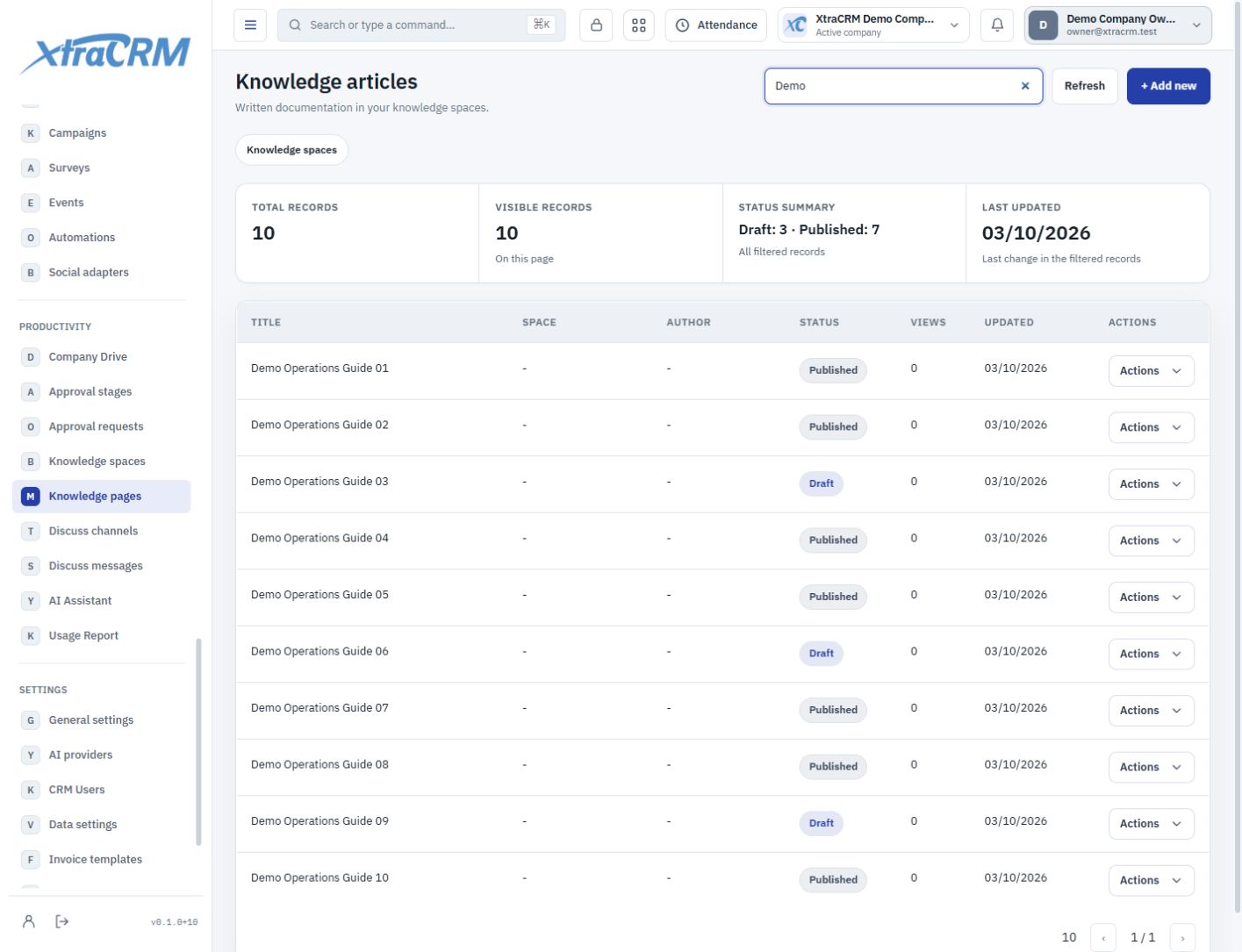
Keep team knowledge out of isolated folders and disconnected chats. Create a shared workspace for files, knowledge articles, approvals and AI.
Organise files in Company Files, change display names and share within your permissions. Reach download and sharing actions from the file menu.
Organise team guides in knowledge spaces and articles. Follow decisions through discussions, approval stages and approval requests.
Connect your company’s API key in settings. Use chat history, model selection and file and image attachments; usage costs remain with your provider.
See each section’s role before choosing your plan. The plan comparison shows what is included and what is not.
Manage company files, folders and download shares.
Define stages for shared approval workflows.
Track pending approvals and action history.
Organize team knowledge into spaces.
Share knowledge articles and document content.
Create team discussion channels by topic.
Track channel messages and conversation history.
Chat and work with files and images using your own provider key.
Review company provider usage and token records.
Your company connects its own provider account and API key. The provider bills model usage; an individual chat subscription does not necessarily include API access. The content you send is transmitted to your selected provider.
Module coverage varies by plan. Compare the full module tree on the pricing page. Your company administrator also controls who can view, create, edit or delete records.