

The complete customer story
Bring contact details, notes, files and activity history together on customer and contact records. Reach connected opportunities, quotes, invoices and support requests from the same record.
Track customers, contacts, leads and opportunities with communication details, ownership and activity history. Plan appointments, see available times and follow up on customer meetings.
Prepare for a sales conversation without hunting for the last note, contact or quotation. See the customer relationship with its people, owner and connected records.
Bring contact details, notes, files and activity history together on customer and contact records. Reach connected opportunities, quotes, invoices and support requests from the same record.
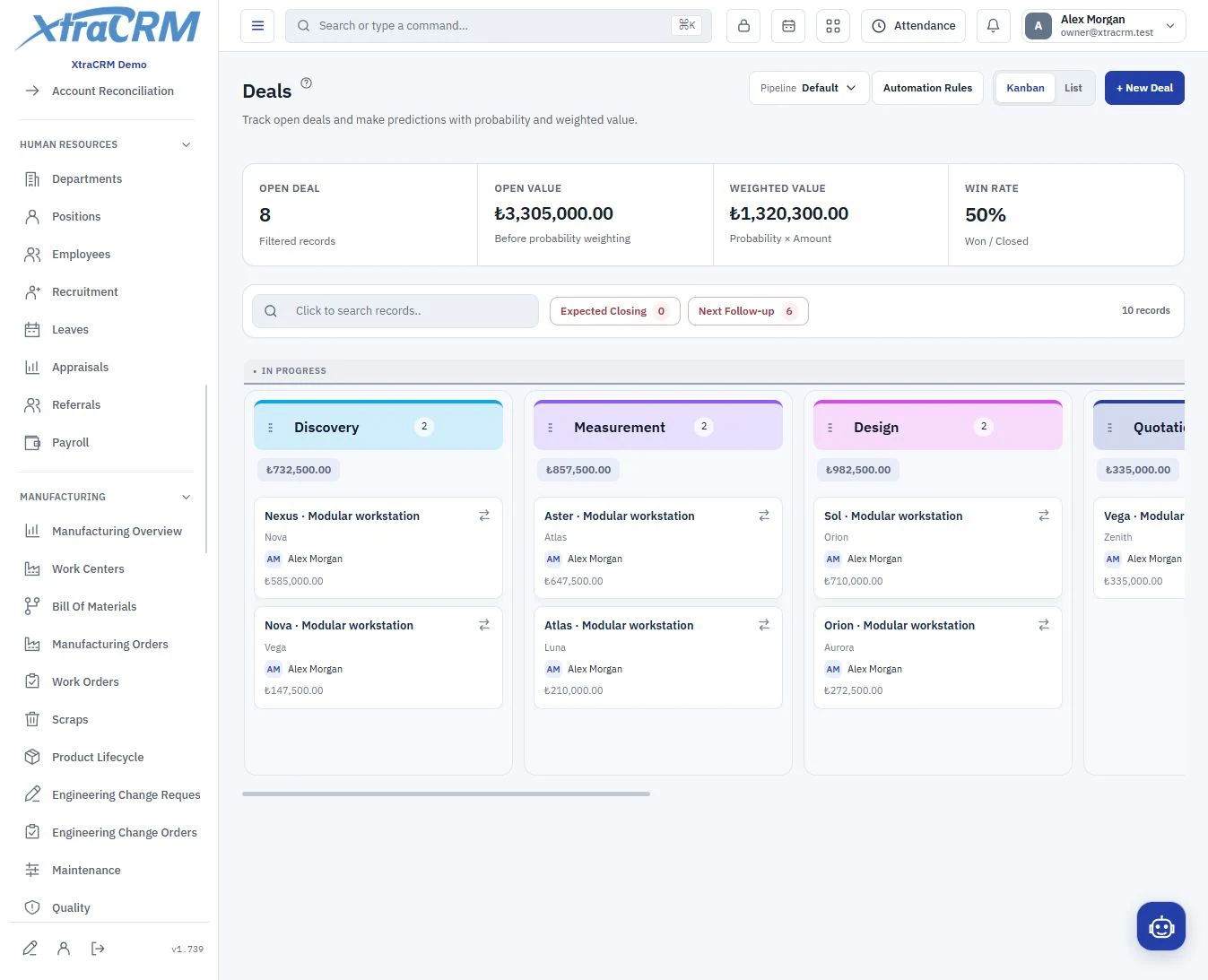
Track opportunities in Kanban or list view. Stages, values and win probabilities help your sales team see which conversations are moving forward.
Find available times in weekly, two-week or monthly views. Configure working days, hours and breaks, and organize appointments in separate processes. Linking a customer or contact is optional. Choose participants and reminders, then track completed, postponed or cancelled meetings with comments and files.
Capture leads with their source and owner. Map columns when importing data and use custom fields to keep business-specific information alongside the relationship.
Choose a customer or contact and a date range. View transactions with a running balance. Save the PDF to Company Drive, share it or send it by email. Choose your download notifications.
Connect your WhatsApp Business accounts to XtraCRM. Authorized colleagues reply in a shared company inbox and match conversations to customer or contact records.
See each section’s role before choosing your plan. The plan comparison shows what is included and what is not.
Connect customer records, contact details and related sales.
Track contact information and company relationships.
Manage new leads with their source, owner and history.
Capture leads directly in your CRM from forms embedded on your website. Form limits depend on your plan.
Connect Meta Lead Ads and Google Ads lead forms. Map form fields to your CRM, capture advertising leads automatically and track delivery history.
Track opportunities through stages and a Kanban board.
Plan appointments, see available times and follow up on customer meetings.
The company administrator manages page access and create, edit and delete permissions. Special actions such as changing an opportunity stage have separate permissions. Plan coverage and user access are managed separately.
Module coverage varies by plan. Compare the full module tree on the pricing page. Your company administrator also controls who can view, create, edit or delete records.
Sensitive information, such as WhatsApp message content and integration credentials, is stored encrypted and used securely during authorized operations. You decide which information your team can access.
Read the privacy notice