

XtraCRM AI
Chat with XtraCRM AI and let AI help with a range of analyses. Keep working while it prepares, then reopen the result whenever you need it.
Chat with XtraCRM AI and let AI help with a range of analyses. Keep working while it prepares, then reopen the result whenever you need it.
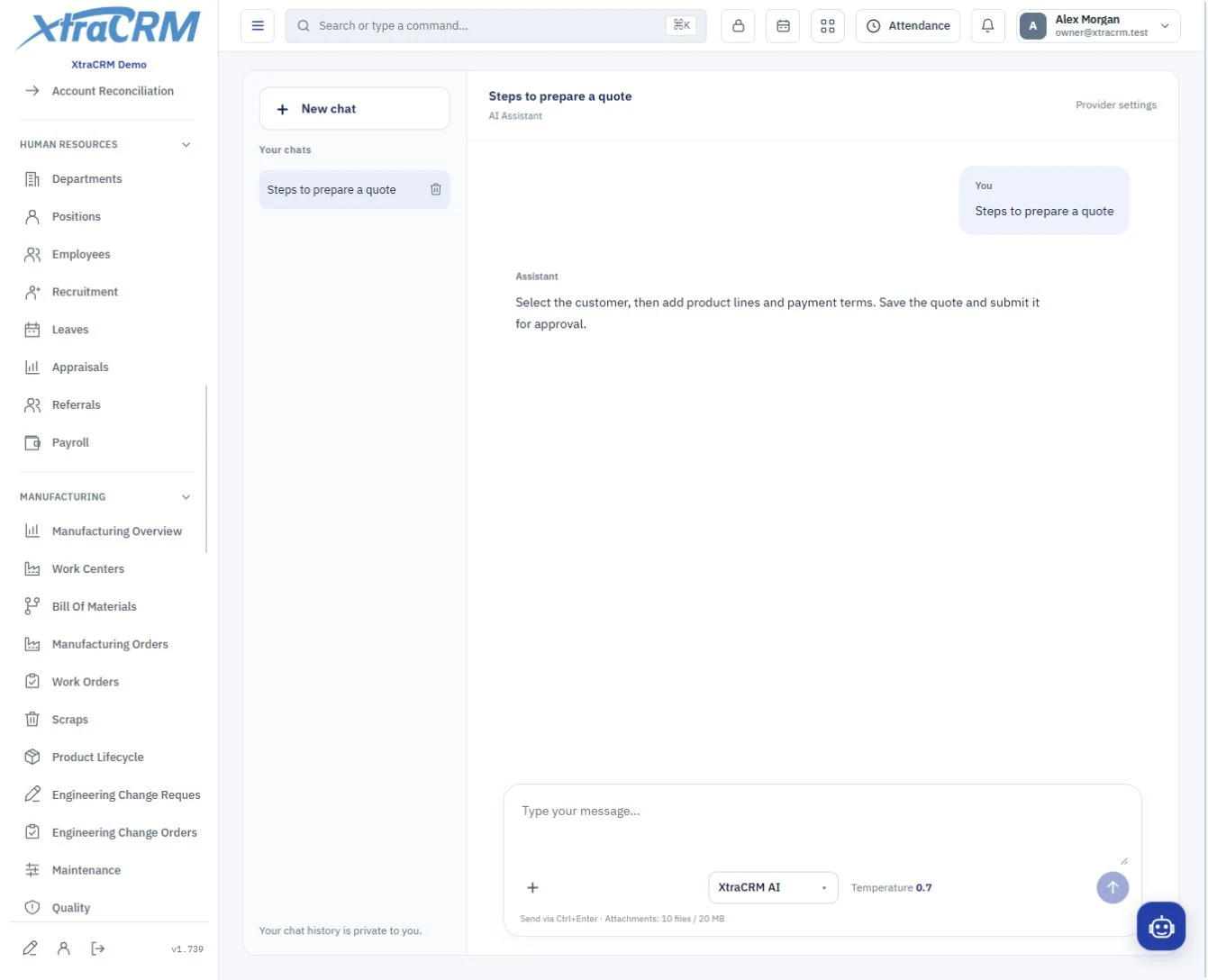
Chat with XtraCRM AI and let AI help with a range of analyses. Keep working while it prepares, then reopen the result whenever you need it.
Chat with XtraCRM AI and let AI help with a range of analyses. Keep working while it prepares, then reopen the result whenever you need it.
Add connection details for your OpenAI / ChatGPT, Anthropic / Claude, Google Gemini or OpenRouter account. Or get started with XtraCRM AI.
XtraCRM AI uses credits purchased separately. When you connect your own AI account, your provider bills its usage. All modules are included in every plan except Free. Plans differ by user count, storage, web form, smart process and automation rule limits. User actions depend on the permissions set by the company administrator.
Explore the role of each section. All paid plans include all modules; plans differ by user count and usage limits.
Connect a supported AI provider or select XtraCRM AI. Usage charges depend on the service you choose.
Access to the AI module and AI usage charges are separate. XtraCRM AI uses purchased credits; your own provider charges for usage when you connect its service.
AI actions inside the CRM operate within the user’s access permissions. Integration and provider settings are managed separately.
All modules are included in every plan except Free. Plans differ by user count, storage, web form, smart process and automation rule limits. User actions depend on the permissions set by the company administrator.
Technical support is included in every plan, including Free. Contact our support team with questions or for help using XtraCRM.
Your cloud account is ready to use as soon as registration is complete. Installation of an on-premise license on your own server takes 2–3 days.
Sensitive information, such as WhatsApp message content and integration credentials, is stored encrypted and used securely during authorized operations. You decide which information your team can access.
Read the privacy notice