

Tasks
Complete work with checklists, files, participants and a work timer.
Track tasks, projects, Scrum and periodic work reports in one place.
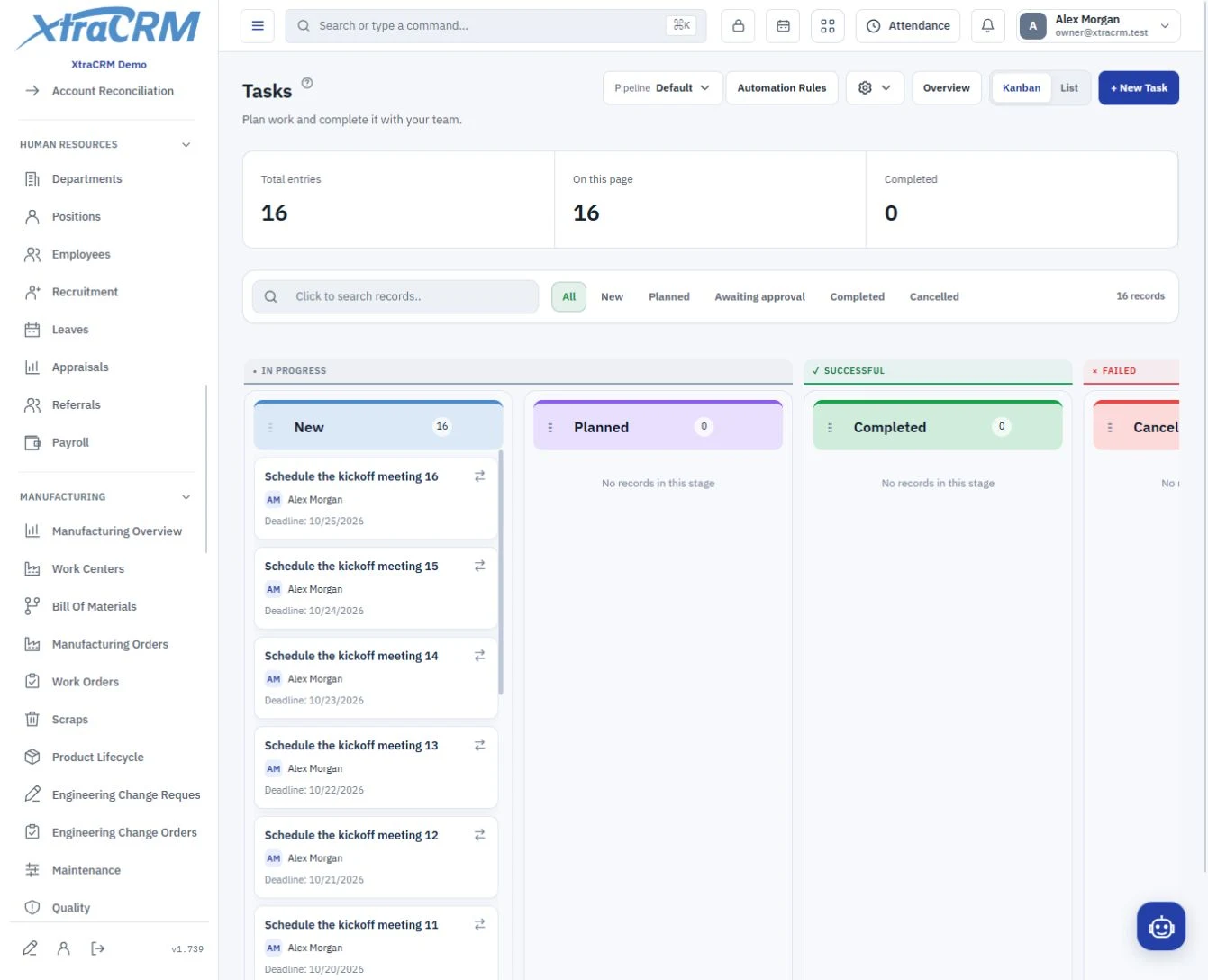
Track tasks, projects, Scrum and periodic work reports in one place.
Complete work with checklists, files, participants and a work timer.
Bring tasks, files, a project calendar and Gantt together.
Distribute work and track target times, approvals and bottlenecks.
Plan together with a product goal, backlog, sprints and a Definition of Done.
Create daily, weekly and monthly report plans. Let staff share their work and managers review reports or request revisions.
See delivery times, workload and tracked work time.
Track tasks, projects, Scrum and periodic work reports in one place. Create daily, weekly and monthly report plans. Let staff share their work and managers review reports or request revisions.
Explore the role of each section. All paid plans include all modules; plans differ by user count and usage limits.
Complete work with checklists, files, participants and a work timer.
Bring tasks, files, a project calendar and Gantt together.
Distribute work and track target times, approvals and bottlenecks.
Plan together with a product goal, backlog, sprints and a Definition of Done.
Create daily, weekly and monthly report plans. Let staff share their work and managers review reports or request revisions.
See delivery times, workload and tracked work time.
Track tasks, owners and projects together and review work in a list or supported kanban view.
Enable Show in kanban in the display settings of supported custom fields. Existing standard card information is preserved.
Staff can prepare periodic work reports; authorized managers can review them and request corrections when needed.
All modules are included in every plan except Free. Plans differ by user count, storage, web form, smart process and automation rule limits. User actions depend on the permissions set by the company administrator.
Technical support is included in every plan, including Free. Contact our support team with questions or for help using XtraCRM.
Your cloud account is ready to use as soon as registration is complete. Installation of an on-premise license on your own server takes 2–3 days.
Sensitive information, such as WhatsApp message content and integration credentials, is stored encrypted and used securely during authorized operations. You decide which information your team can access.
Read the privacy notice